
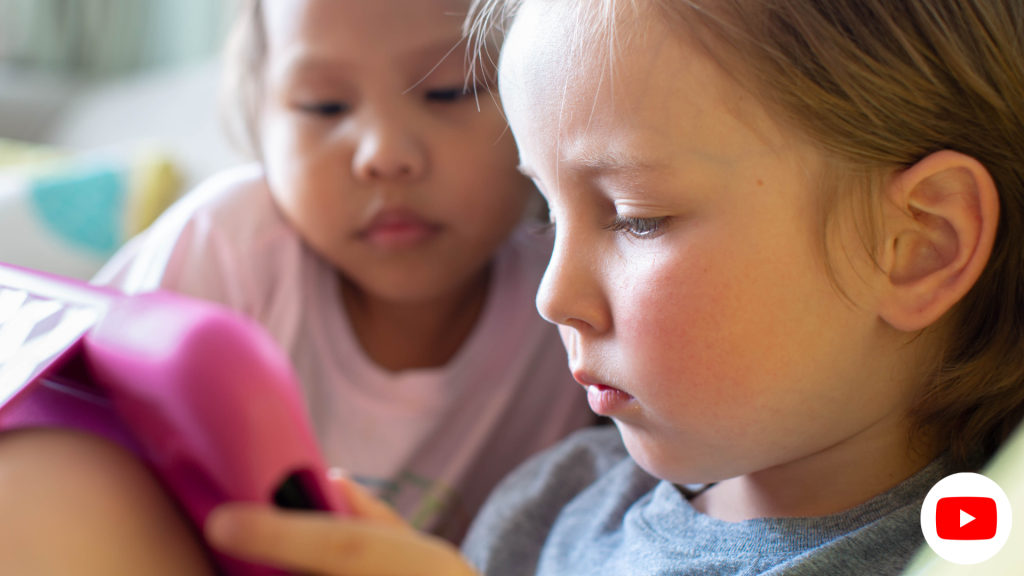
- Let’s explore the endlessly intriguing realm of YouTube!
- Demystifying YouTube for Kids
- Does YouTube Guarantee Safety for Kids?
- Childproofing YouTube: How Can I Shield My Child from Unwanted Content?
- Parental Controls on YouTube: Myth or Reality?
- Decoding the Right Age for Kids to Venture into YouTube:
- Monitoring Your Child’s YouTube Viewing:
- Are There Educational YouTube Channels Tailored for Kids?
- Unveiling the Risks of YouTube Interactions:
- Setting Time Boundaries for YouTube Usage:
- Blocking or Filtering Out Specific YouTube Content:
- Safe YouTube Alternatives for Kids:
Let’s explore the endlessly intriguing realm of YouTube!
Hello super parents! Your child’s online journey can be a rollercoaster of thrilling discoveries and learning experiences. As thrilling as this digital adventure can be, it’s also riddled with legitimate questions about safety, age-suitability, and control settings. Worry no more! This comprehensive, entertaining, and thoroughly updated guide will answer your burning questions about YouTube for kids. Let’s dive in, and together, unravel the secret recipe for creating a secure and enjoyable YouTube voyage for your children!
Demystifying YouTube for Kids
Does YouTube Guarantee Safety for Kids?
While YouTube is a treasure trove of diverse content, it’s crucial to create a safe haven for your child. With the right safeguards in place, such as parental controls, the activation of YouTube’s Restricted Mode, and closely watching their browsing patterns, you can make YouTube a secure platform for your curious explorers.
Childproofing YouTube: How Can I Shield My Child from Unwanted Content?
As a super-parent, your prime directive is to protect your child from any inappropriate material on YouTube. By using YouTube’s Restricted Mode, you can filter out potential adult content. To go a step further, subscribing to verified child-friendly channels and crafting playlists of videos that match your child’s interests can act as your trusty shield.
Parental Controls on YouTube: Myth or Reality?
Indeed, YouTube offers a bouquet of parental control features to manage your child’s virtual journey. Not only can you enable Restricted Mode to keep adult content at bay, but you can also impose viewing time boundaries using digital wellbeing tools. And… that’s not all! YouTube Kids, a dedicated app for the younger audience, offers a safer and more customized viewing experience.
Decoding the Right Age for Kids to Venture into YouTube:
While YouTube does not impose a hard-and-fast age limit, it’s generally advised for kids aged 13 and above, primarily due to the unpredictable nature of user-generated content. Fear not! Younger children can relish YouTube Kids, a curated and age-suitable version of the platform, under your vigilant supervision.
Monitoring Your Child’s YouTube Viewing:
Constant vigilance is key to ensuring your child’s online safety. Start by keeping open lines of communication about their online escapades, steering them towards educational material, and reviewing their watch history. Setting guidelines and imposing viewing time limits can also help strike a harmonious balance between screen time and real-world activities.
Are There Educational YouTube Channels Tailored for Kids?
Absolutely! YouTube is a treasure chest brimming with educational content suitable for children. Channels like “Crash Course Kids,” “National Geographic Kids,” and “SciShow Kids” provide a rich banquet of engaging and informative videos. By exploring and curating playlists from these channels, you can align YouTube consumption with your child’s learning objectives.
Unveiling the Risks of YouTube Interactions:
Interaction with comments and live chats on YouTube can expose your child to potential risks, such as inappropriate language, cyberbullying, or interactions with strangers. To ensure a safe online environment, consider disabling comments and live chats or keep a watchful eye on their interactions.
Setting Time Boundaries for YouTube Usage:
Yes, you can indeed set screen time boundaries for YouTube usage. Using built-in device settings or reliable third-party parental control apps, you can implement time restrictions, thus encouraging a healthy balance between online and offline activities.
Blocking or Filtering Out Specific YouTube Content:
To block or filter out specific content on YouTube, you can employ YouTube’s blocking feature or use browser extensions for a more detailed control over content filtering. You can also resort to parental control software or apps that offer options to block particular channels or keywords, thereby reinforcing content filtering.
Safe YouTube Alternatives for Kids:
Did you know there are several safe YouTube alternatives for children? YouTube Kids is a dedicated app that promises a more controlled and curated content experience. Moreover, platforms like “Kidoodle.TV,” “KIDOZ,” and “PBS Kids Video” offer secure environments replete with age-appropriate content and control features.
Steering your child’s YouTube journey needn’t be a Herculean task. With the right parental controls, a watchful eye on their viewing patterns, and engaging in open dialogues, you can craft a safe yet enjoyable YouTube journey for them. Remember, the key is to strike a perfect balance between digital and real-world activities while guiding them towards enriching and age-suitable content. Now, armed with this insightful guide, you’re all set to embark on an exhilarating online adventure with your kiddos. Happy YouTubing!

